
Data loss is every digital enterprise’s worst nightmare. Whether caused by accidental file deletions, faulty database queries during code updates, or unexpected server corruption, losing critical business data can cripple operations overnight. Implementing rigorous, routine backup and recovery workflows using cPanel and phpMyAdmin is the ultimate insurance policy for your digital assets.
The Importance of Redundant Backup Strategies
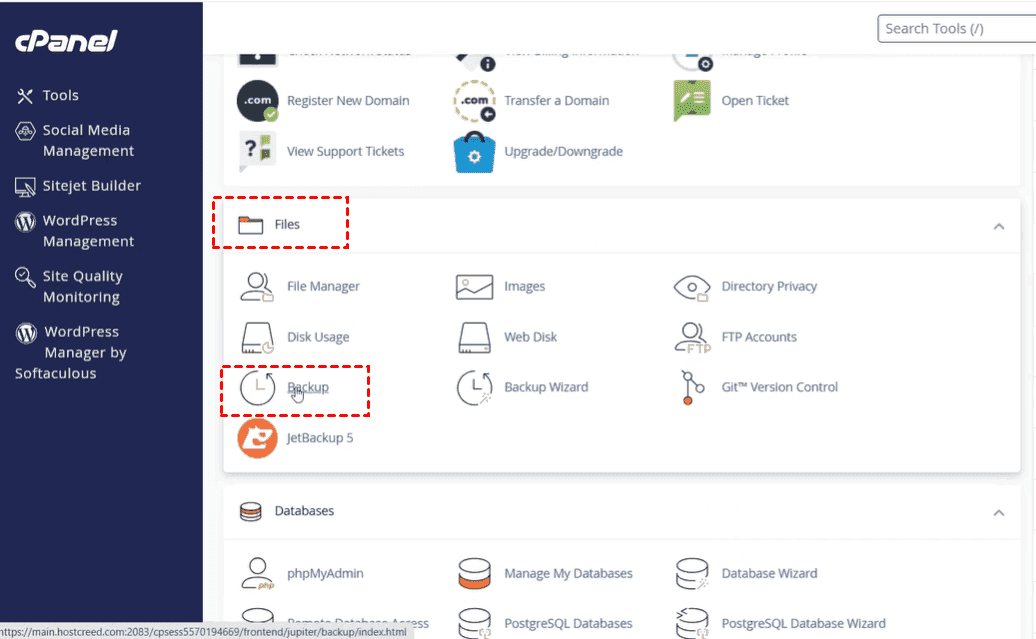
Relying solely on your hosting provider's automated backups is a risky gamble. Professional IT solutions providers practice the 3-2-1 backup rule: maintaining multiple copies of critical data across different storage mediums. cPanel provides built-in backup utilities that allow administrators to download complete account backups or generate targeted partial backups containing just home directory files or specific MySQL databases.
Before running major schema alterations, migrating code repositories, or updating core application frameworks, generating a manual backup snapshot is a mandatory engineering best practice.
Exporting Databases via phpMyAdmin
When you need to export a specific database for local testing or staging replication, phpMyAdmin offers a seamless export interface. Administrators can choose between quick exports using default settings or custom exports that allow specific table selections, compression formats (such as gzipped SQL dumps), and character set configurations.
-- Example SQL dump header structure
-- Host: localhost:3306
-- Generation Time: Sep 18, 2026
SET SQL_MODE = "NO_AUTO_VALUE_ON_ZERO";
START TRANSACTION;
Restoring Databases Safely
In the event of a system failure or data corruption incident, restoring a database is straightforward. Using phpMyAdmin's import tab, administrators can upload their SQL backup files. For massive enterprise databases that exceed PHP execution time limits or file upload size caps, restoring backups via the cPanel MySQL Database interface or command-line terminal ensures flawless data reinsertion.
Always verify database character encodings (such as `utf8mb4`) during restoration to prevent character corruption and ensure special characters display correctly across your web application.
Conclusion
Proactive disaster recovery separates amateur setups from professional enterprise infrastructure. By establishing routine backup routines and mastering cPanel restoration workflows, businesses guarantee absolute data safety and business continuity.