
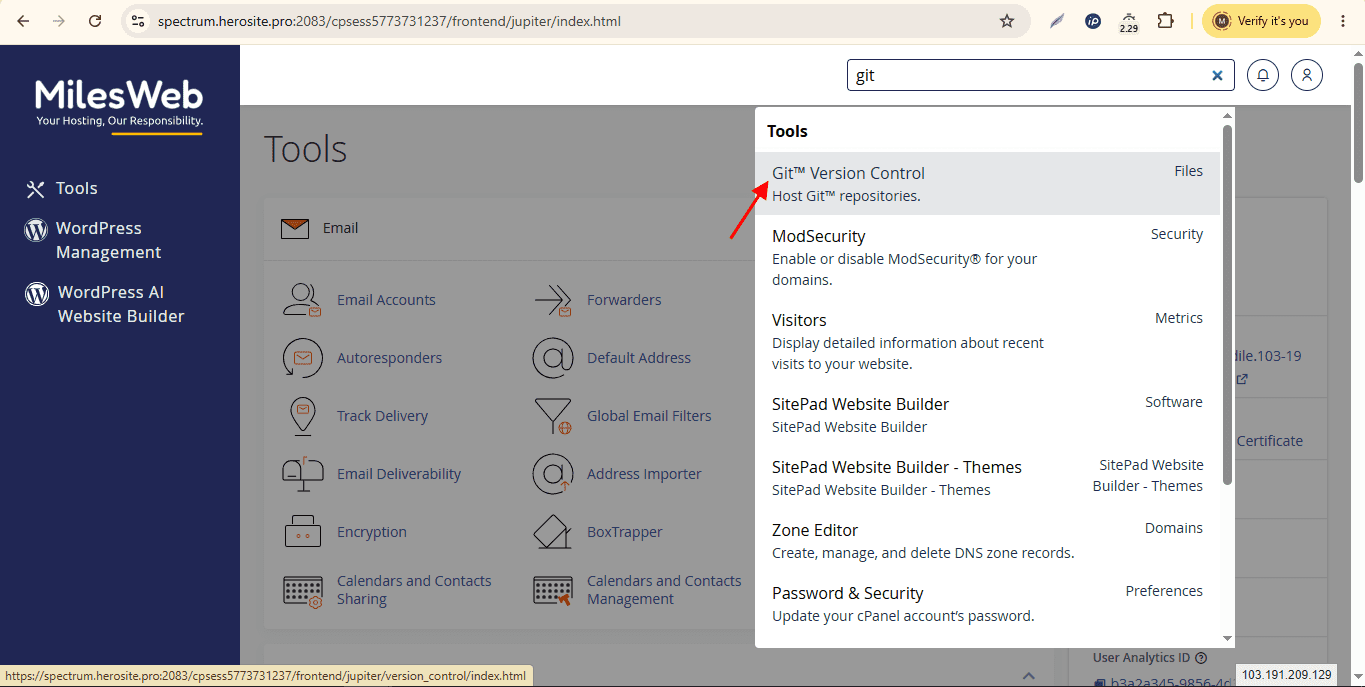
Deploying code efficiently from local development environments to production cloud servers is the heartbeat of any professional IT solutions provider. At NderTech Universal Services, streamlining release cycles requires a harmonious blend of clean version control, automated deployment pipelines, and robust cPanel server administration.
1. Structuring Version Control Workflows with Git
Version control is non-negotiable for professional software development. Utilizing Git allows development teams to track code changes, collaborate on complex features, and maintain clean rollback histories when bugs arise in production. Maintaining a structured repository layout keeps source files organized:
/admin/
/assets/
/includes/
  └── db.php
/uploads/
index.php
Keeping environment-specific configuration files—such as database connection credentials—secluded from public repositories ensures security compliance and prevents accidental credential leaks.
2. Leveraging cPanel for Efficient Server Management
While cloud VPS environments offer ultimate flexibility, cPanel simplifies daily operational tasks such as SSL certificate deployment, email account provisioning, and DNS zone management. Developers can manage multi-domain setups, configure addon domains, and monitor server resource consumption through an intuitive graphical dashboard.
Moreover, utilizing cPanel's automated backup wizard guarantees that critical production databases are snapshotted regularly, providing an instant safety net against accidental data deletion.
3. Production Environment Optimization and Error Logging
When code transitions from local testing to live production servers, error handling configurations must be adjusted. Exposing raw stack traces and database connection errors to end users is a severe security risk. Production environments should log exceptions silently while presenting clean, branded error pages to visitors:
ini_set('display_errors', '0');
ini_set('log_errors', '1');
ini_set('error_log', $_SERVER['DOCUMENT_ROOT'] . '/logs/php_errors.log');
Reviewing server error logs in cPanel allows system administrators to catch deprecated PHP functions, memory limit bottlenecks, and missing database tables immediately before they impact user experience.
Conclusion
Mastering the intersection of Git version control and cPanel server management empowers development teams to ship code faster, safer, and with absolute confidence. By enforcing clean directory structures, rigorous backup routines, and secure production error logging, IT businesses can deliver high-availability web solutions that keep clients online and thriving.